
UUININ.IO
Loading…Sign Up for Free
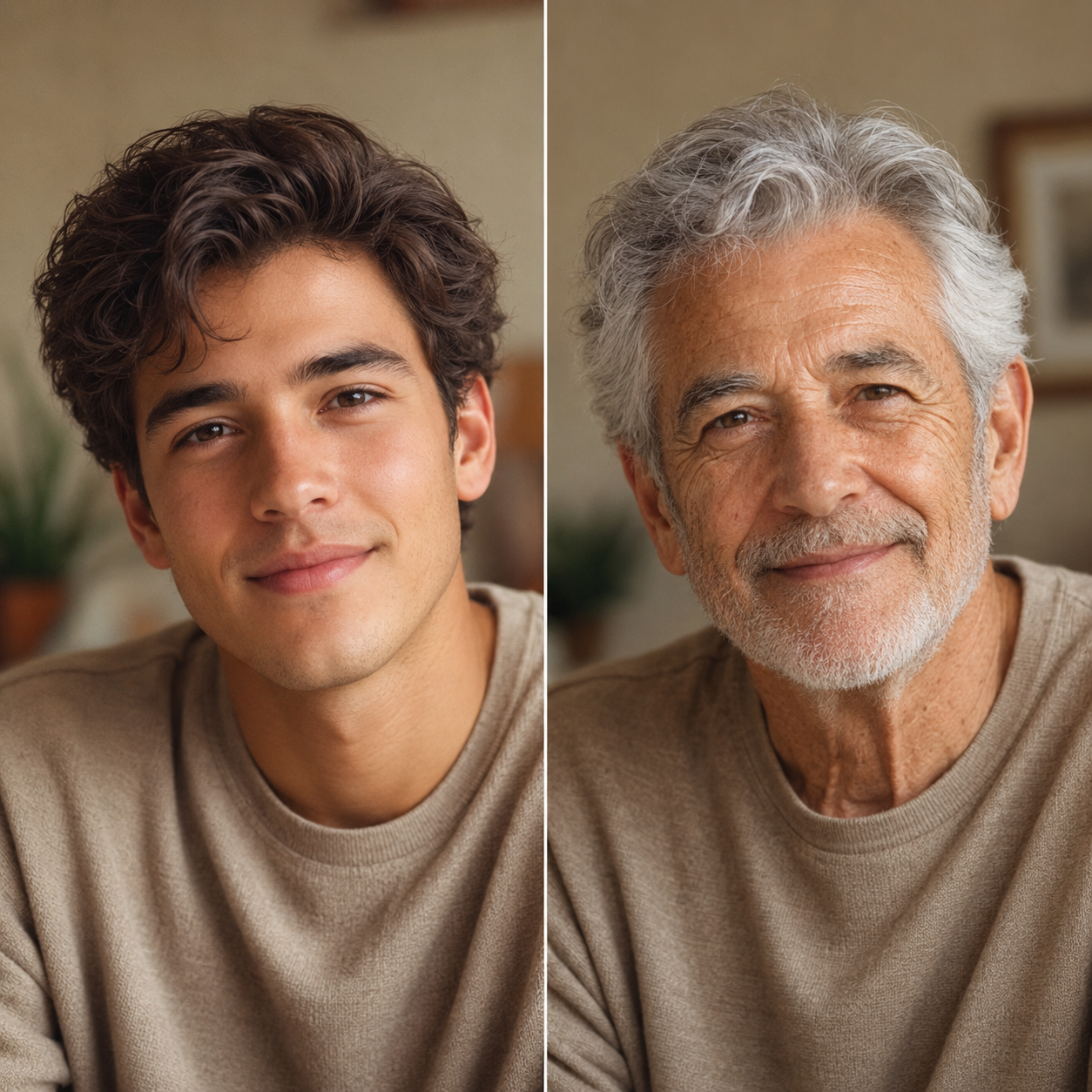
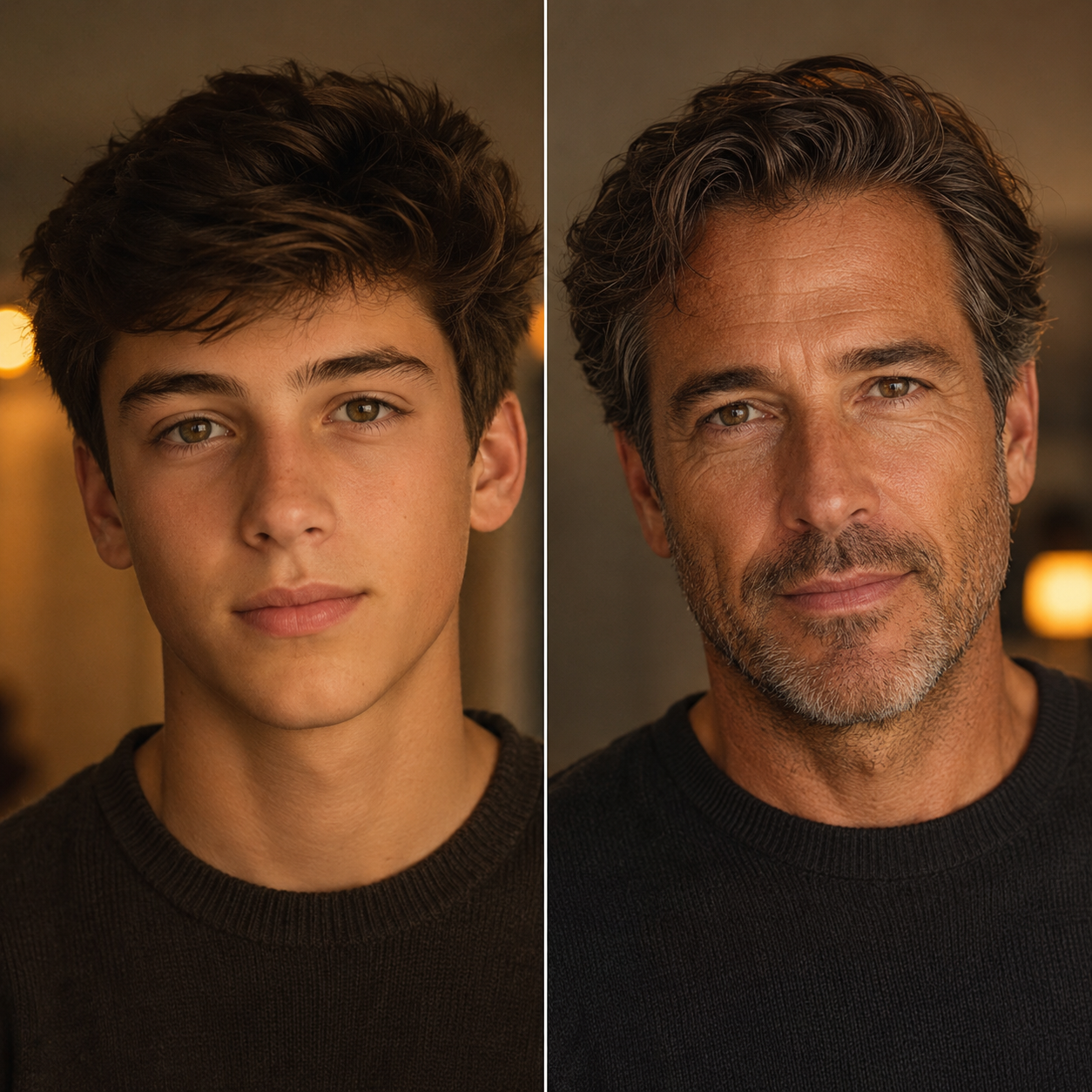
Upload your photo and see yourself at different ages. Our age transformation tool creates realistic aging effects in seconds.

Upload your photo, then describe the age style you want (optional).
Upload a portrait photo
Use a clear face photo. Optionally describe the target age look in the text box.
Upload a photo and describe your desired age to begin
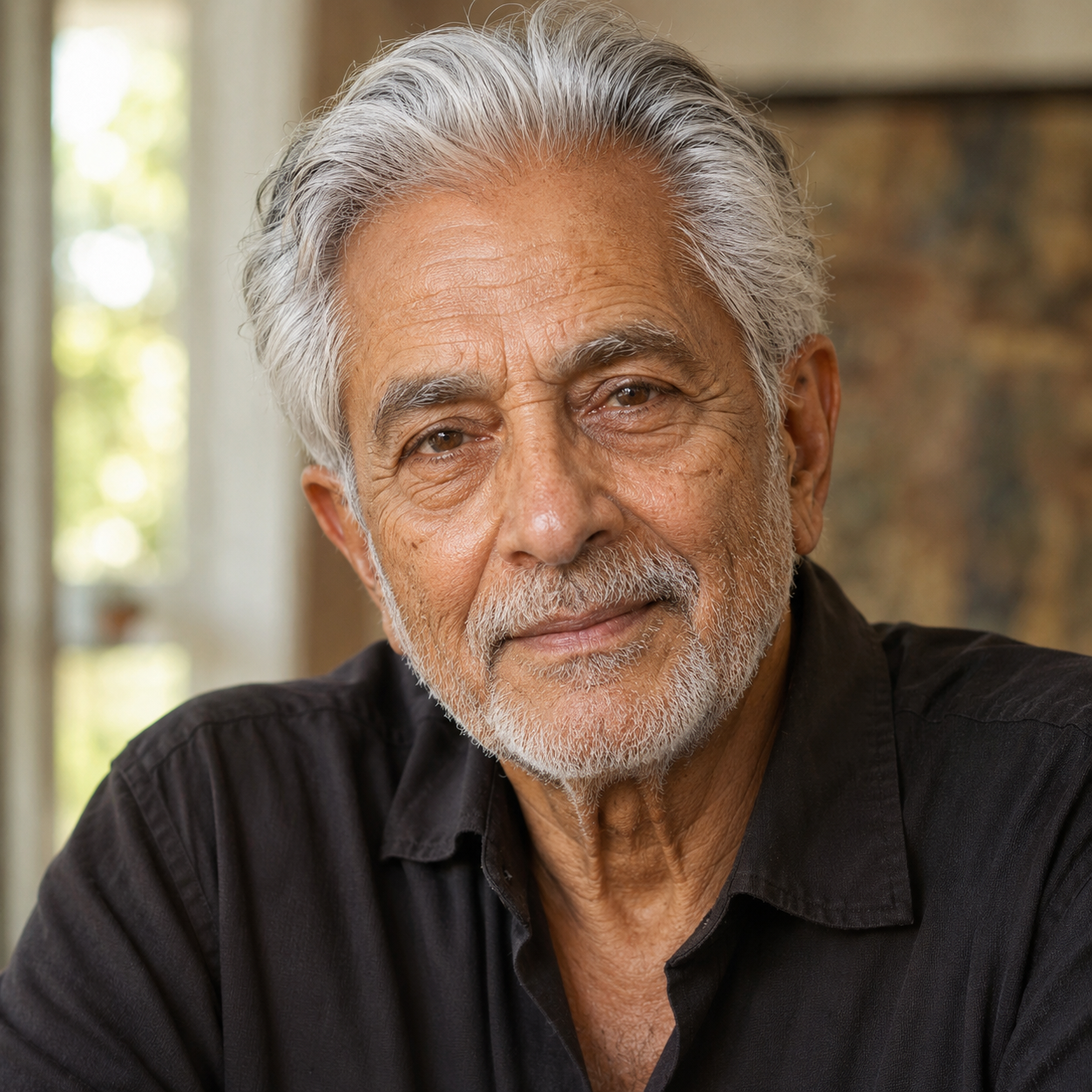
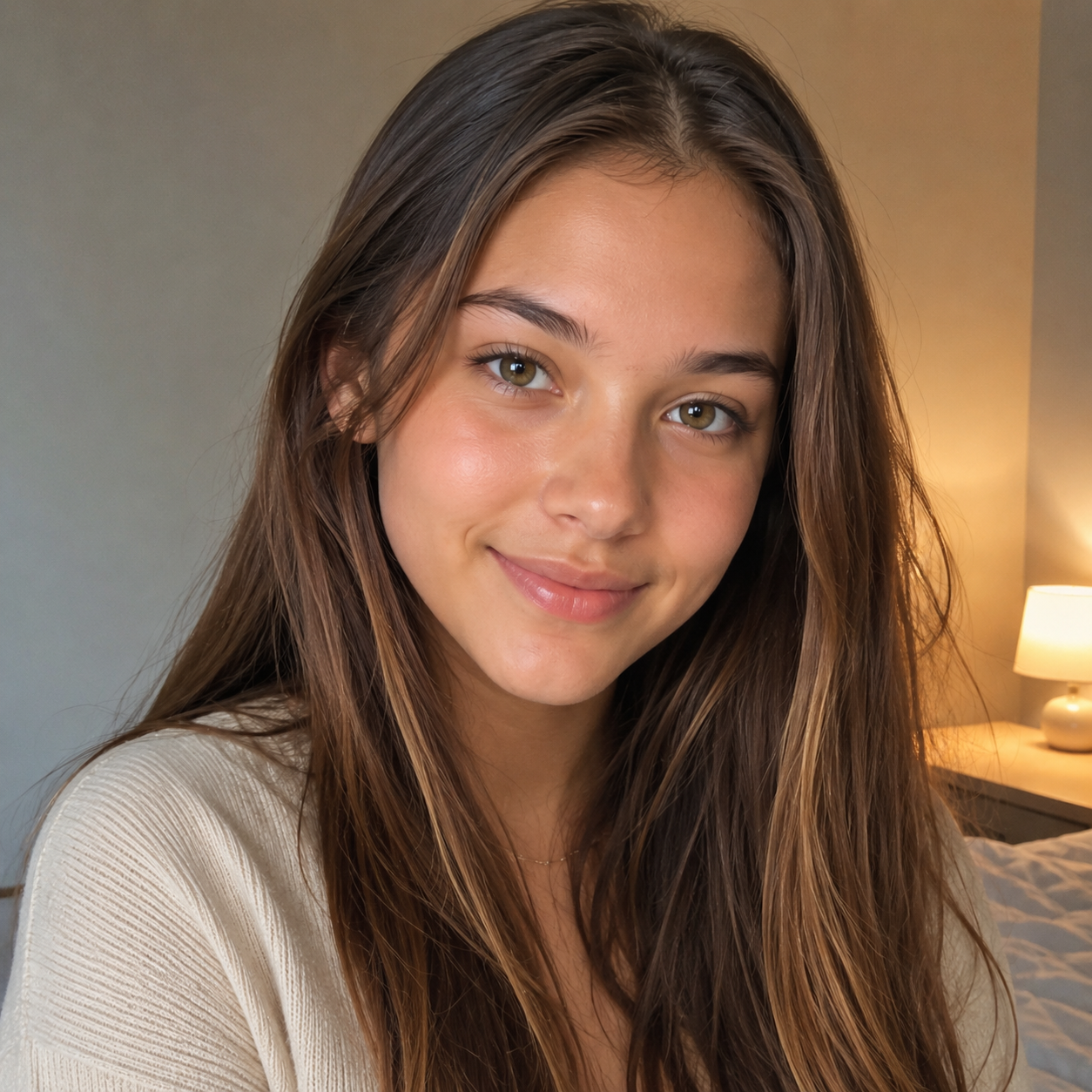
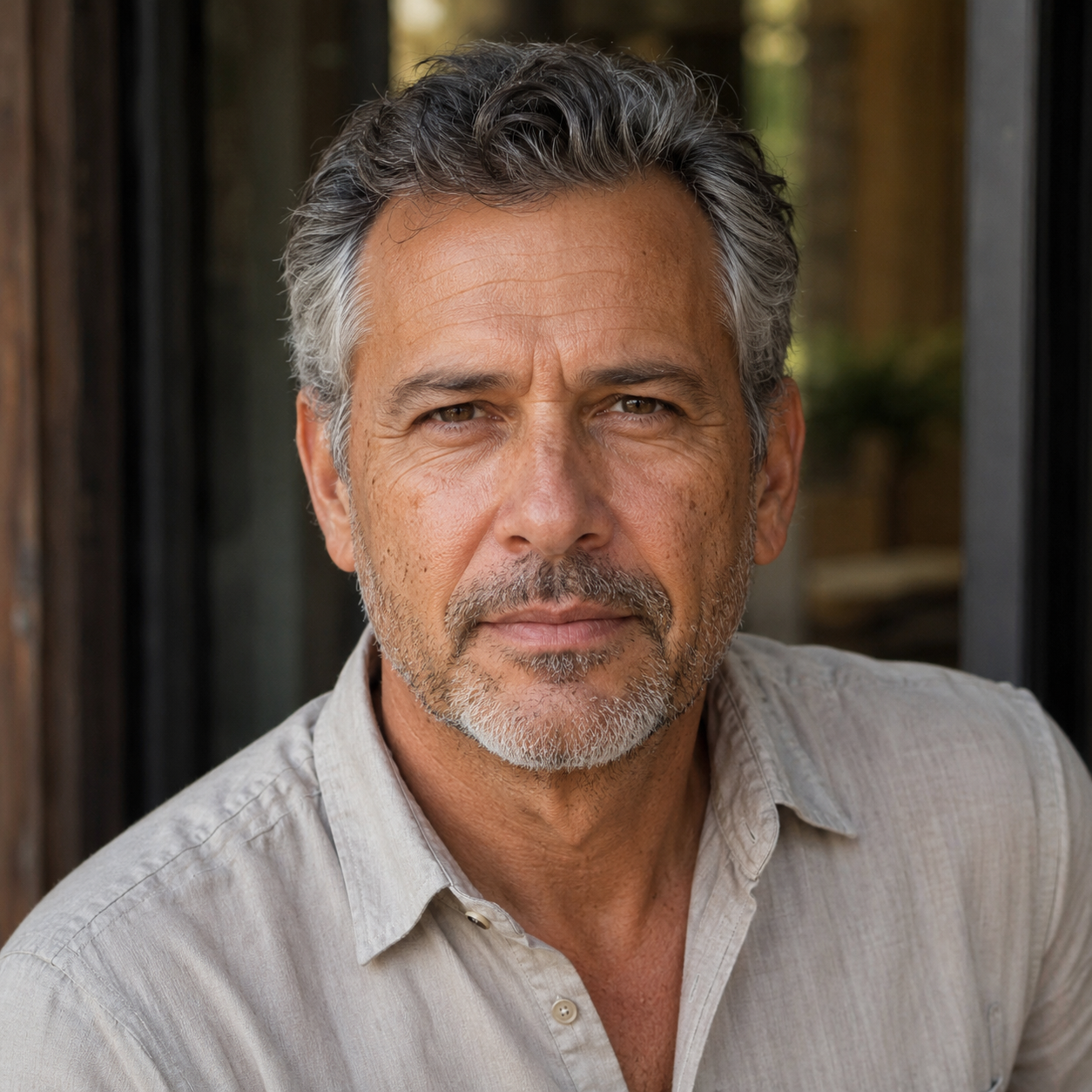
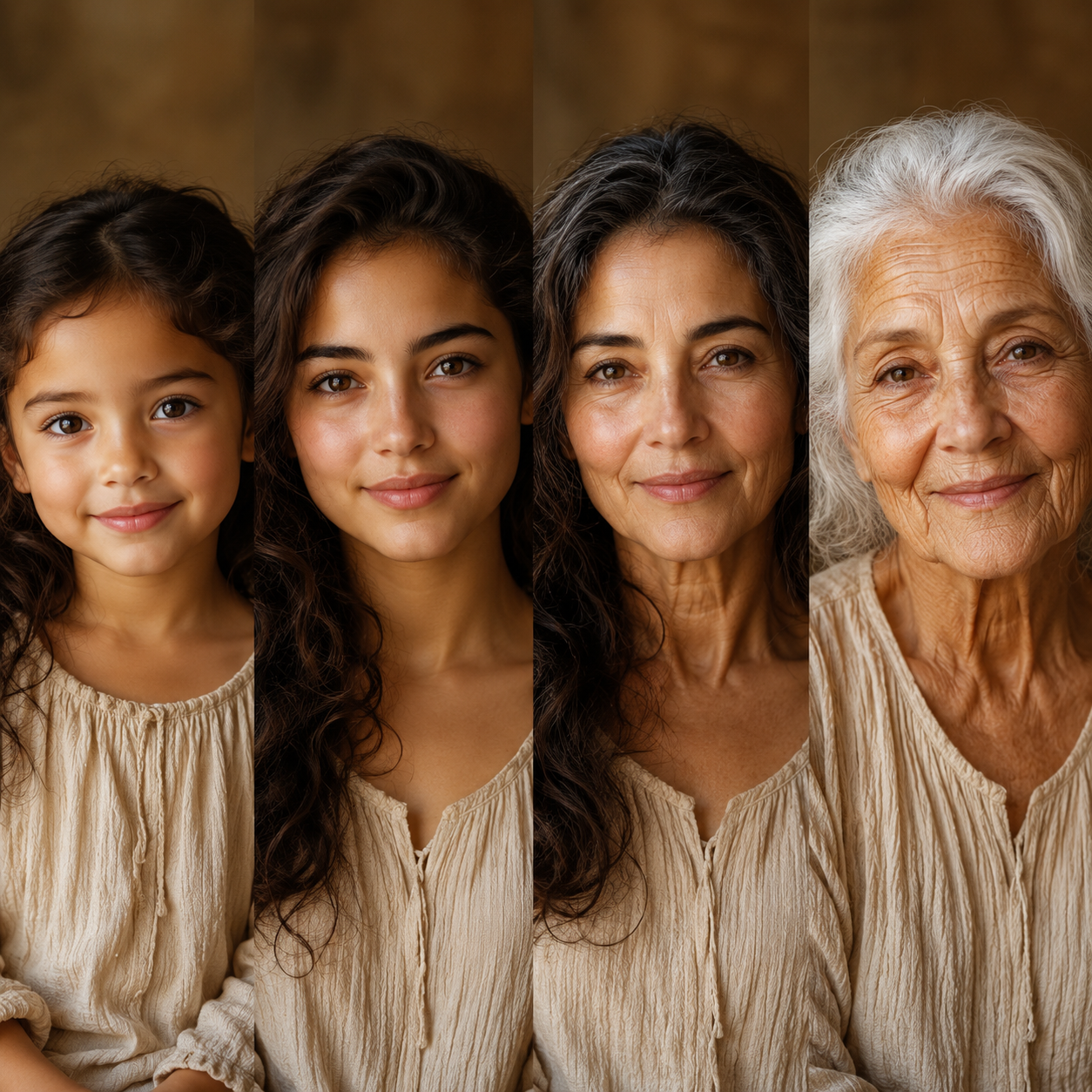
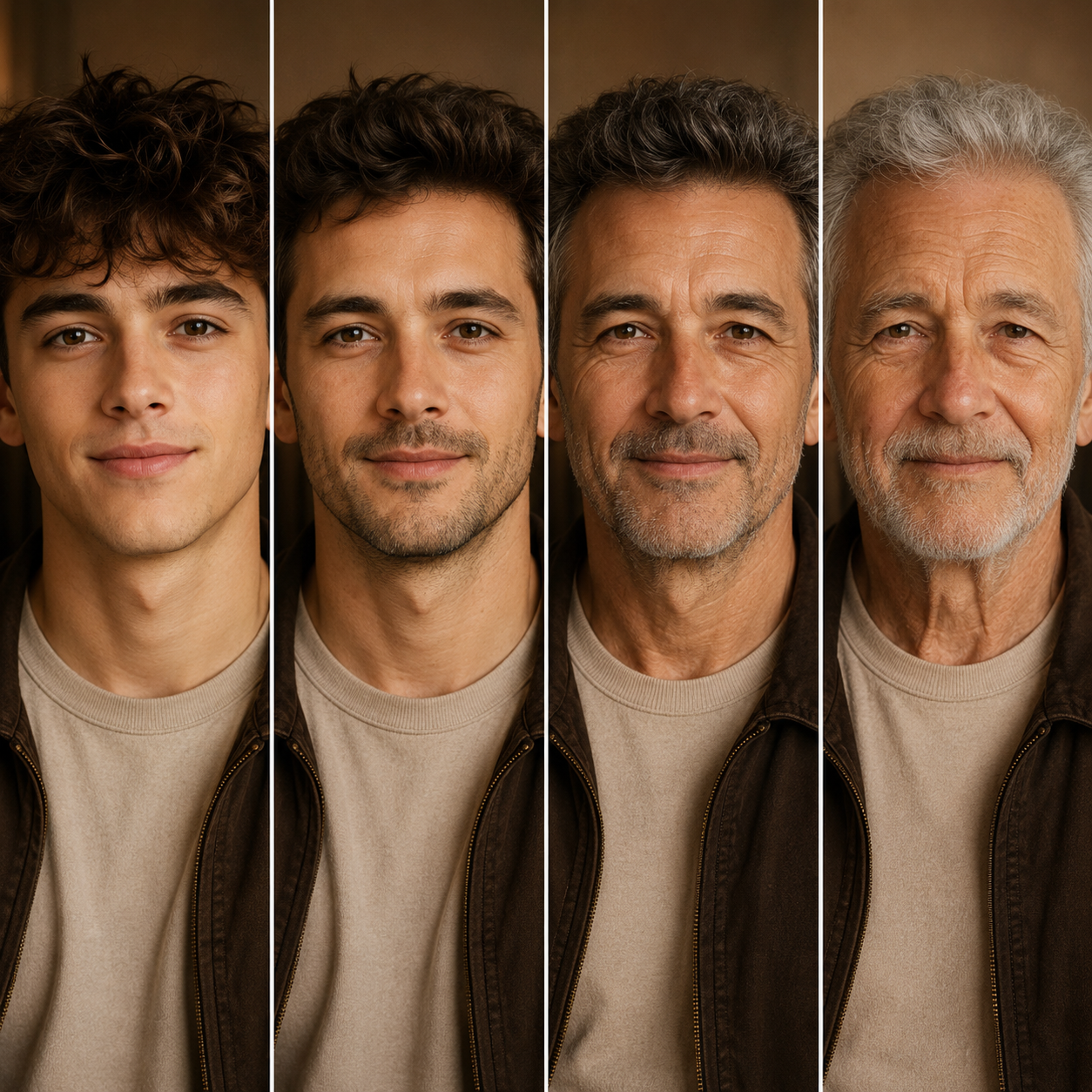

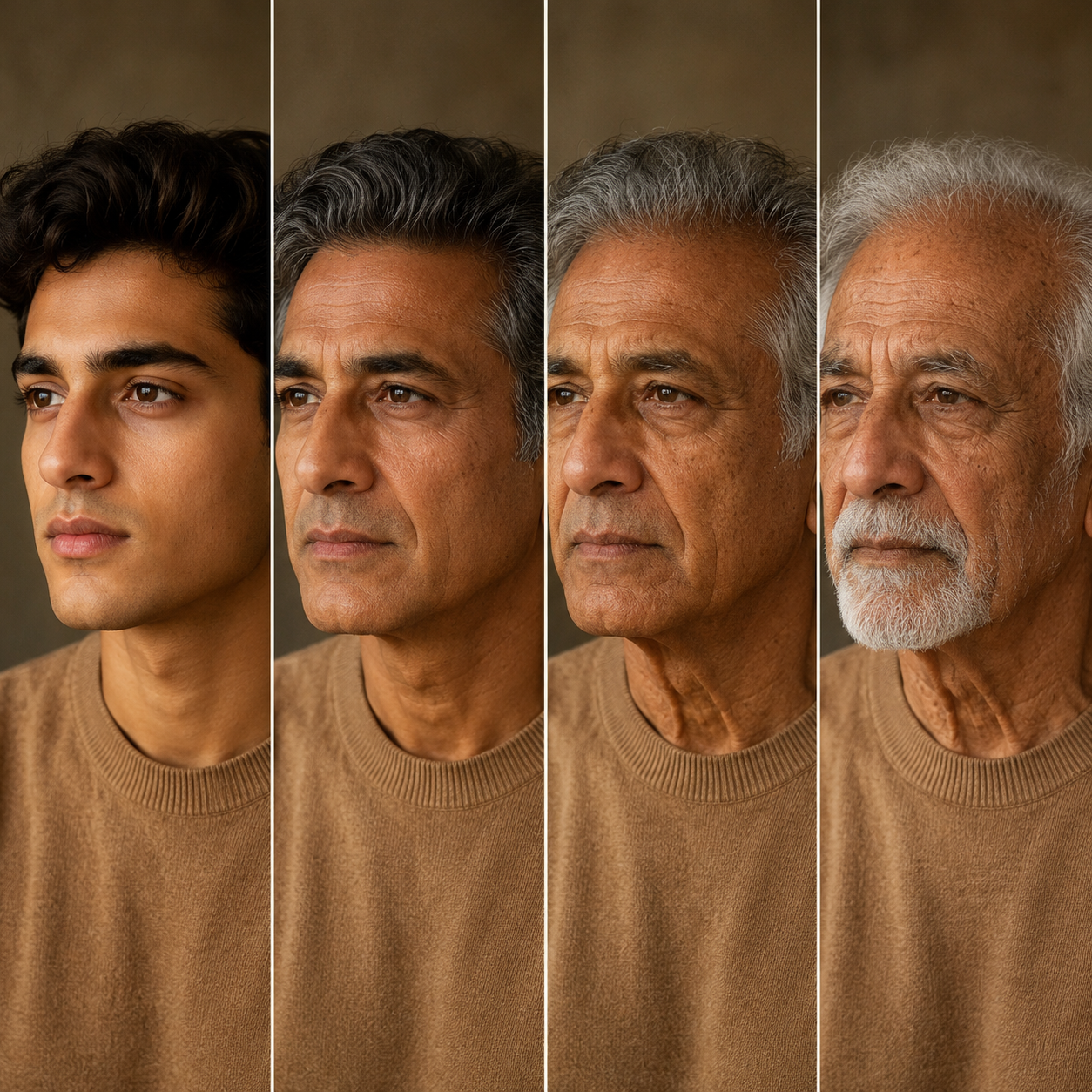
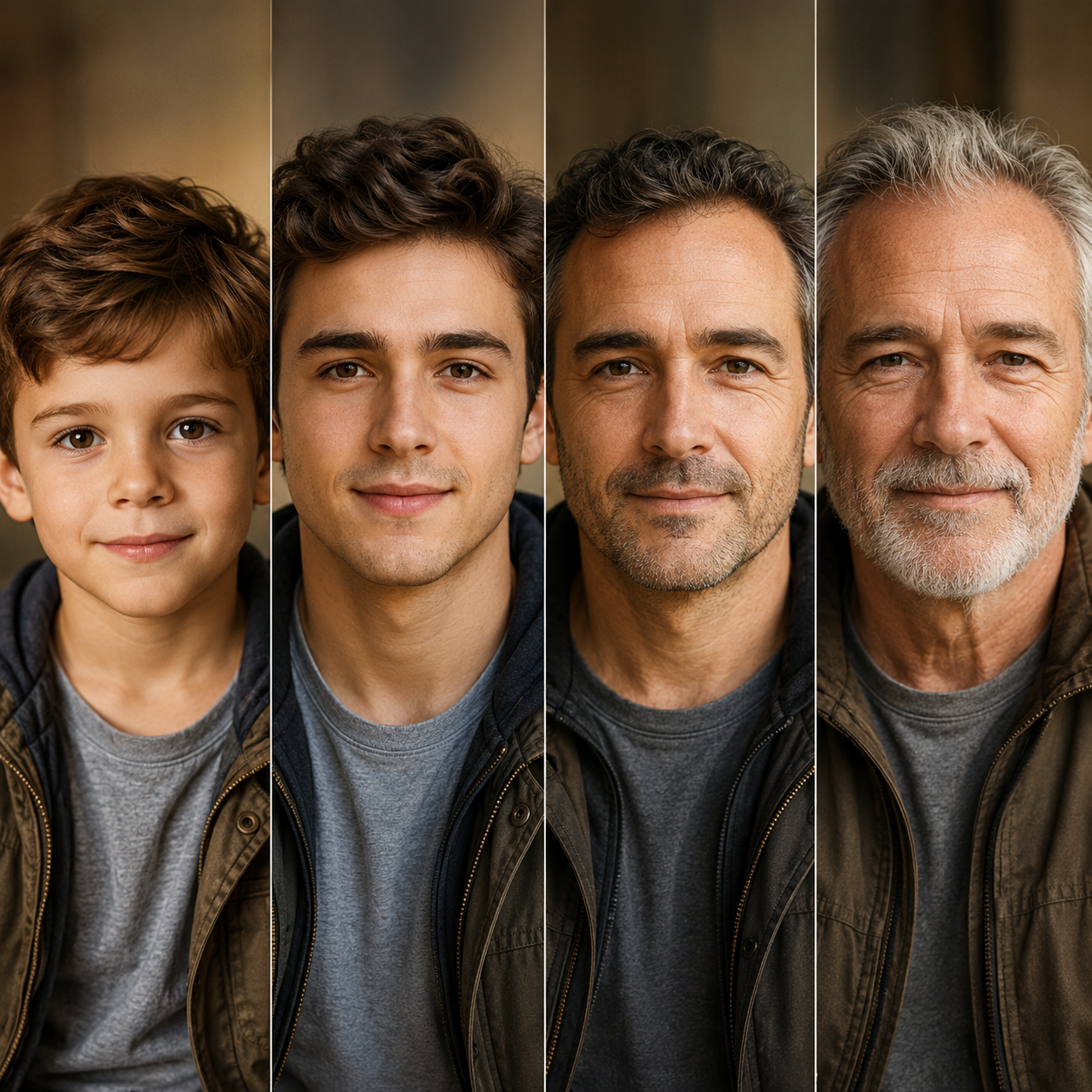
Our age filter creates authentic transformations that accurately reflect natural aging patterns, from skin texture changes to hair graying, giving you a glimpse into different life stages with photorealistic detail.
Make yourself look older or younger with equal ease. This make me look older app works in both directions, whether you want to see your future self or revisit your youth through AI-powered visualization technology.
Every wrinkle, age spot, and hair color shift is rendered with photorealistic precision. The face aging generator preserves your unique features while authentically showing how they change with time across decades.
Upload your photo and receive your age transformation in seconds. No complex software or lengthy processing—just upload, describe your target age, and see the magic happen instantly with results you can share immediately.
You start by uploading a clear, well-lit photo of your face. The age filter works best with front-facing images that show your full facial features without obstructions or heavy filters applied.
You specify the age you want to see—whether it's your teenage self, middle-aged appearance, or senior years. Uuinin interprets your description and prepares the aging or de-aging effects accordingly with precision.
Within seconds, Uuinin generates your age-transformed image showing realistic changes in skin texture, hair color, facial structure, and wrinkles. You receive a photorealistic preview of yourself at any life stage you chose.
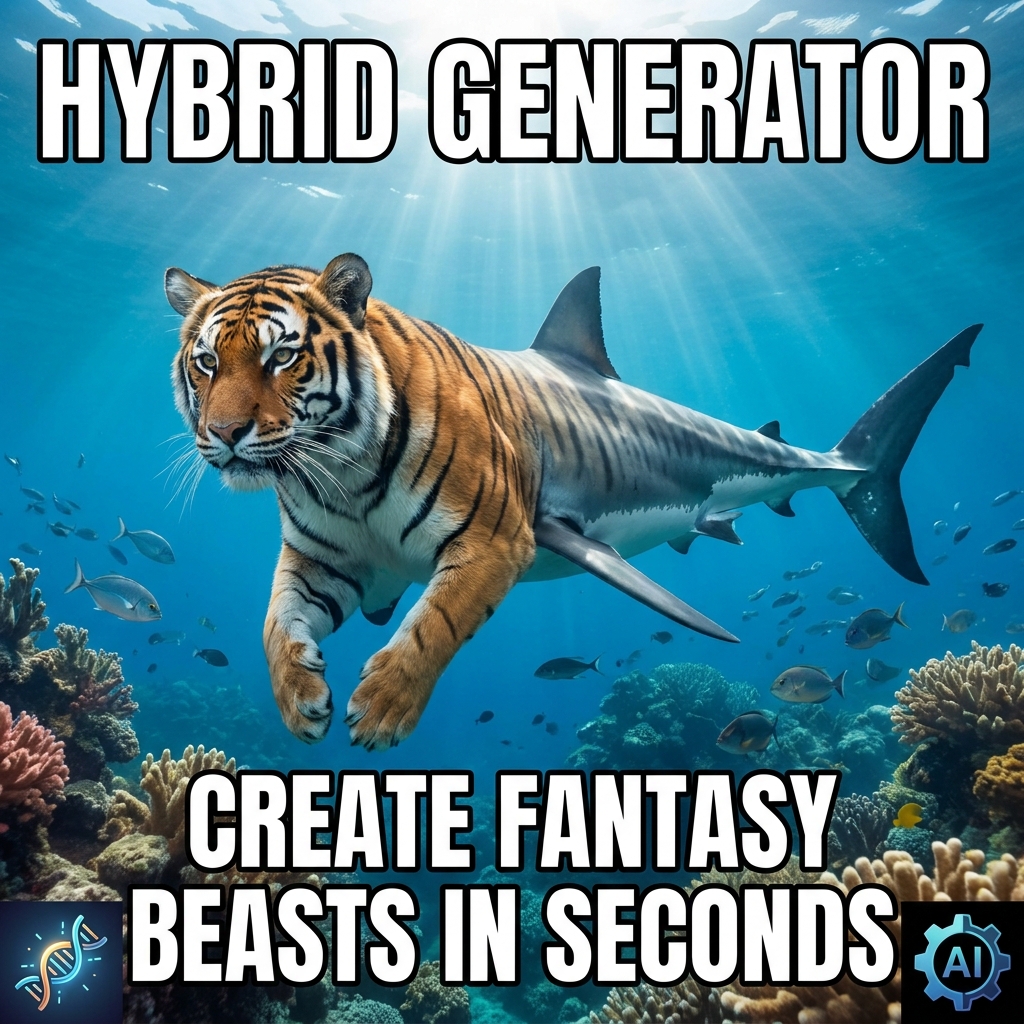
Blend any two animals into stunning hybrid creatures. From wolf-eagles to tiger-sharks, create fantasy beasts in seconds with AI.
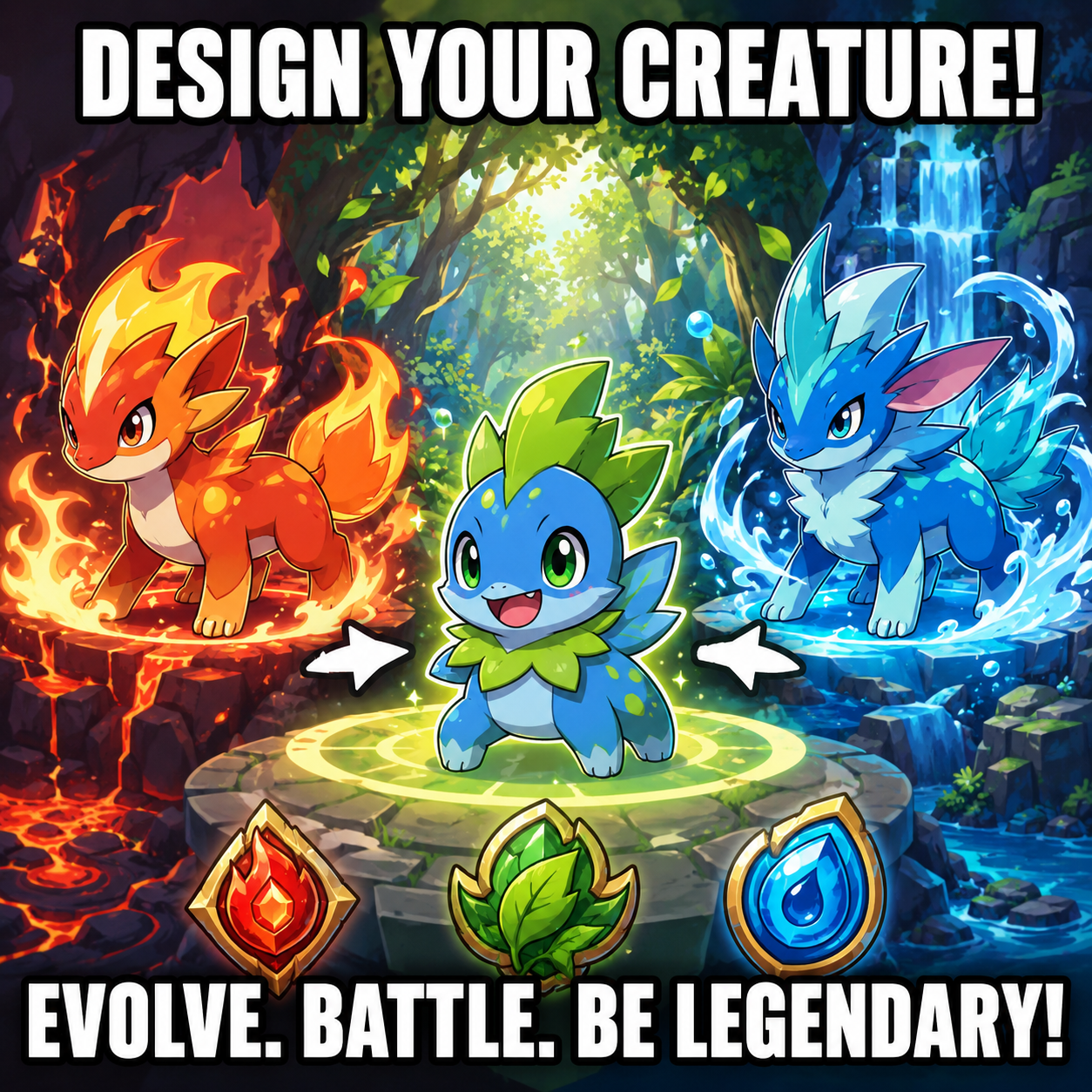
Design original creatures with unique types, evolutions, and abilities. Bring your custom Pokémon-style characters to life in seconds.

Turn your music vision into stunning album art. Generate professional covers in any genre—hip-hop, indie, electronic, lo-fi—instantly.
Upload your photo and discover how you'll look across different life stages. Transform your appearance with our AI-powered age filter in seconds.